Missed a few days? The deals wait for you. The library is a calendar of every Daily Deal so far, and it never nags.
-
Open the Daily Deal, then tap Browse the deal library to see the calendar of past deals. On a phone, tap Daily Deal library on your Home screen.
-
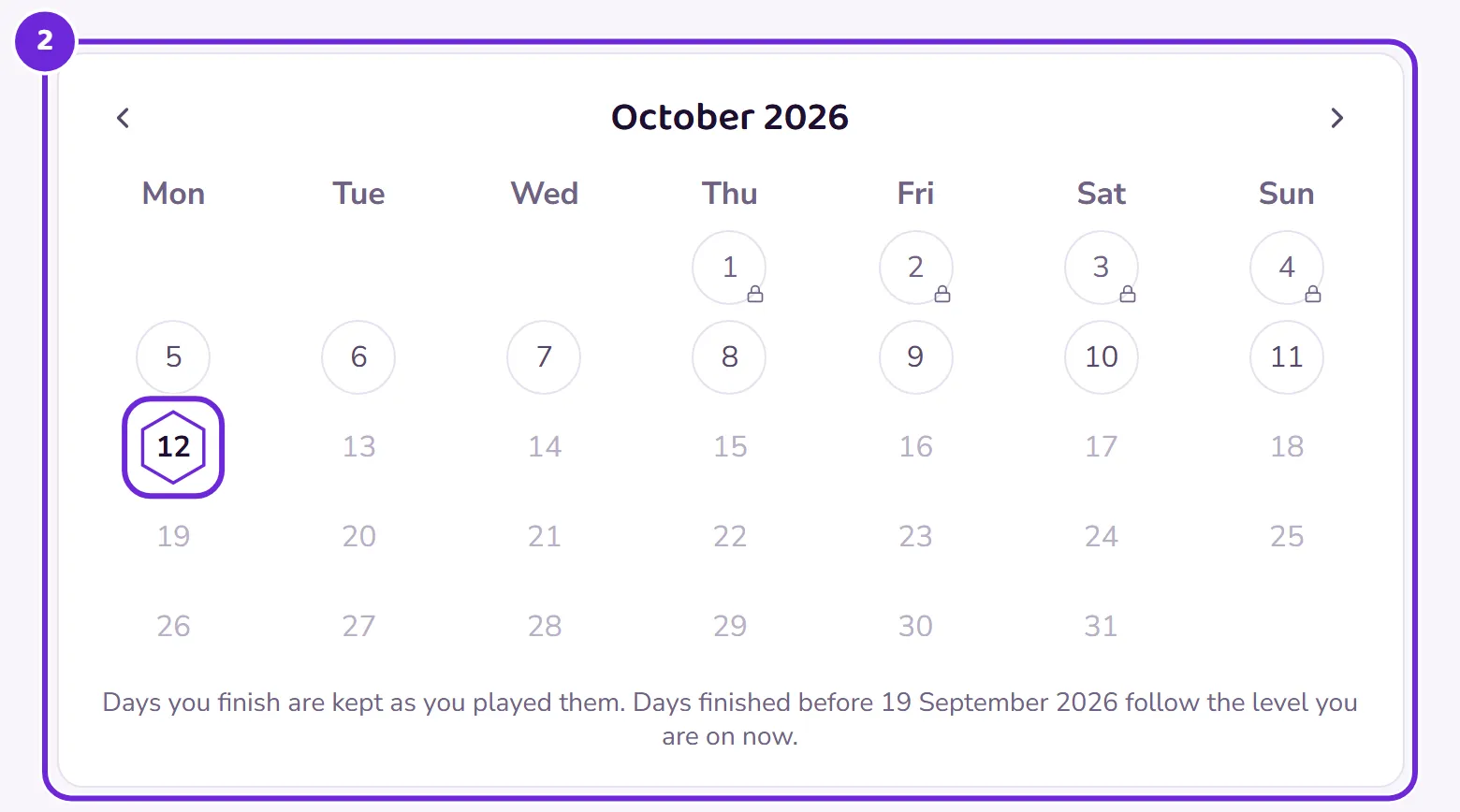
Today is marked, and every playable day is tappable. Pick one and it plays exactly like today’s did.
 Open this picture full size.
 Step 2: the calendar, with today marked and past days waiting. -
On the Free plan, today plus the last seven days are open. A missed week can always be caught up, free.
-
With Plus, the whole library is open: every deal ever published, right back to the first.
-
Old deals never expire and never count against you. They just wait.
Why is Sunday there? Each week runs Monday to Saturday, and Sunday brings back one of that week’s deals as its recap, so Sundays sit in the calendar too.