Your details live in your account page, and most of them are yours to edit on the spot.
-
Go to Settings → Account → Account & plan, and choose Profile.
-
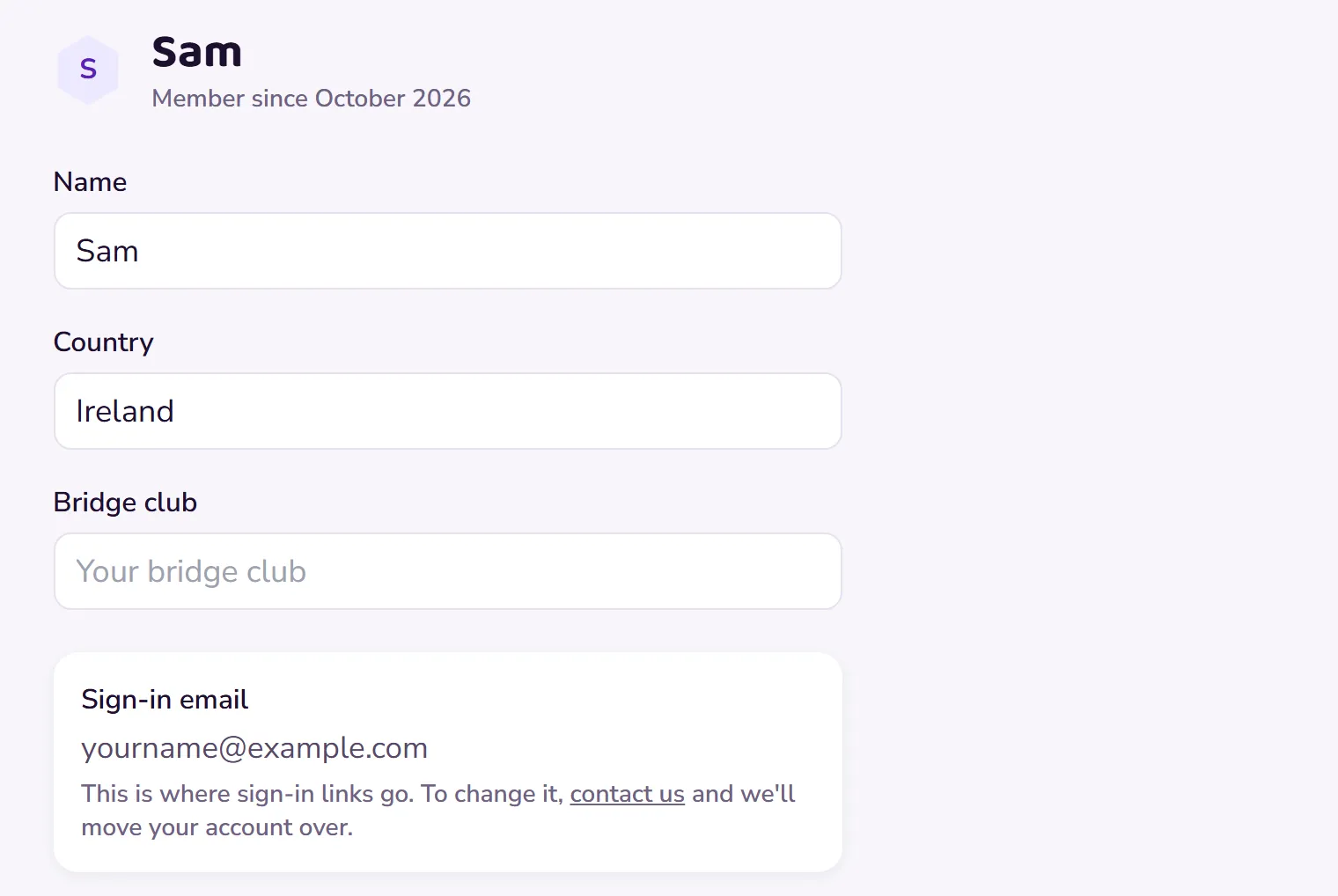
Your name, and optional details like your country and bridge club, are plain boxes: type the change and it saves as you go. Your name changes only how the app greets you; nothing else changes.
 Open this picture full size.
 Step 2: the profile page holds your details and your sign-in email. -
Your sign-in email is shown there too, but you can’t change it yourself. Your email is the key to your account, so we change it with you to keep everything safe.
-
To move to a new email address, contact us from the address you currently use, tell us the new one, and we’ll move your account over with everything intact.