Everything is free during our launch period. We’ll let you know well before payments begin.
Every payment you ever make gets a receipt, and they all live in one place.
-
Go to Settings → Account → Account & plan, and choose Plan and billing.
-
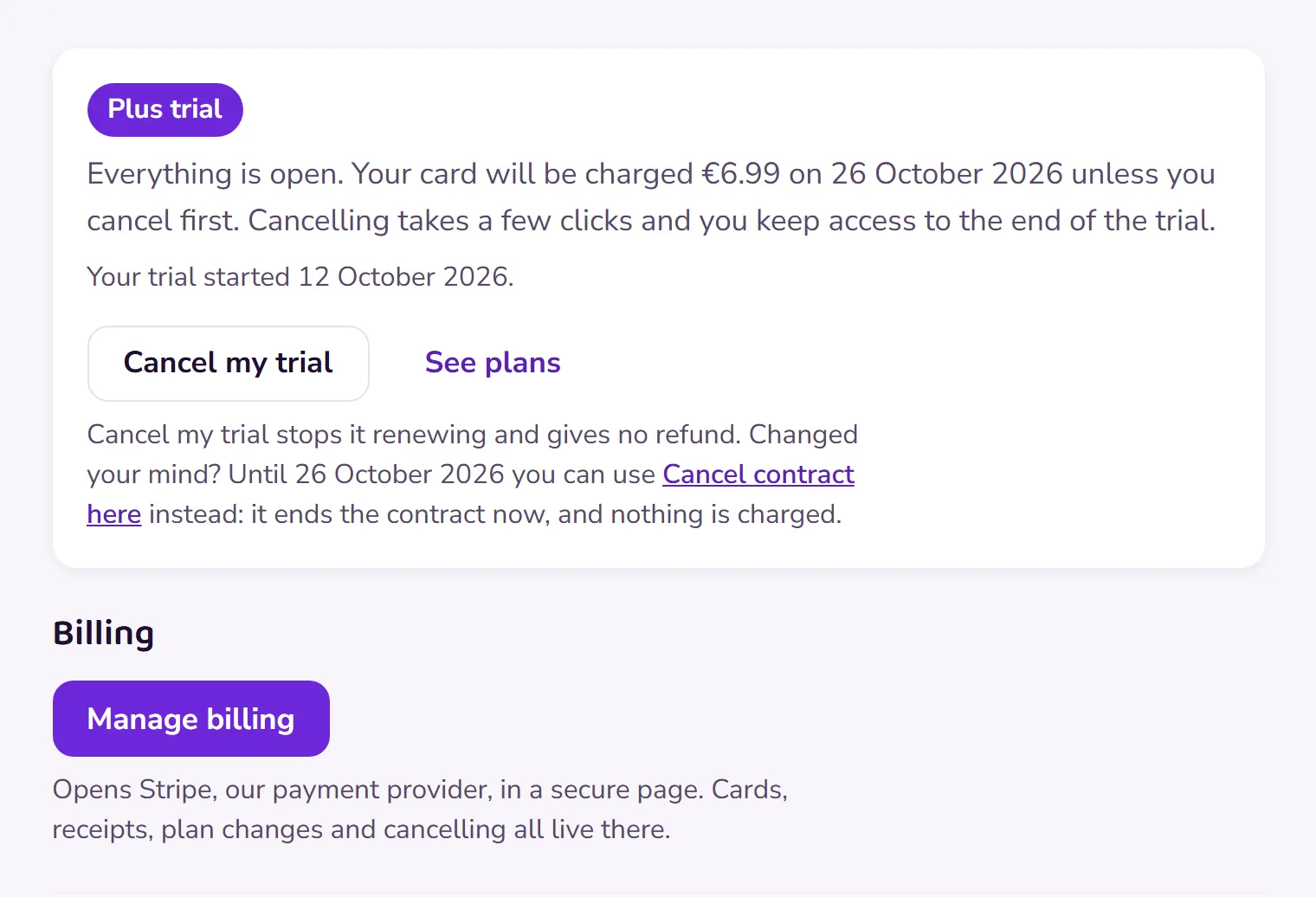
Choose Manage billing. It opens a secure page with Stripe, our payment provider, where your payments are listed with their receipts, newest first.
-
Open any receipt to see the date, the amount and the VAT included.
 Open this picture full size.
 Step 3: receipts live with your plan and billing details. -
Want your own copy? Open the receipt and use your browser’s print or save option; it prints cleanly.
Still in your free trial? Then nothing has been charged yet, so there’s no receipt to find: your first one arrives with your first payment, after the trial ends.
If a receipt looks wrong, or you need one in a particular form, contact us and include the email you signed up with. Never send card numbers.