A few small features that quietly hold your learning together: the quiz, Your Call, saving things for later, and your bridge record.
The quiz.
-
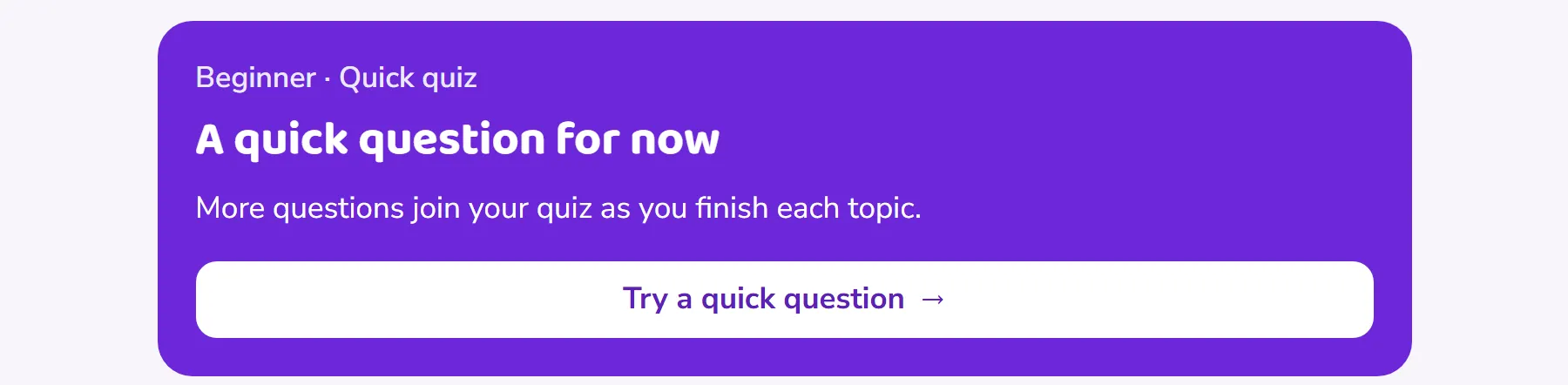
Open the Quiz tab for a quick session: up to ten questions, one at a time, with the explanation shown straight after each answer.
 Open this picture full size.
 Step 1: the quiz home, ready for a session. -
Once you have some history, a second option appears: Start a refresher. It builds a review round from the topics that need it most, so the topics you found hardest come back first.

Your Call (Advanced).
In Advanced, Your Call takes the place of the quiz: tougher problems where you make the decision, then see the reasoning behind the answer.
Saving things for later.
See something worth coming back to? Lessons and glossary entries carry a save toggle. Tap it and the item joins your Saved list at the top of the Learn tab; tap again to remove it.
Your bridge record.
-
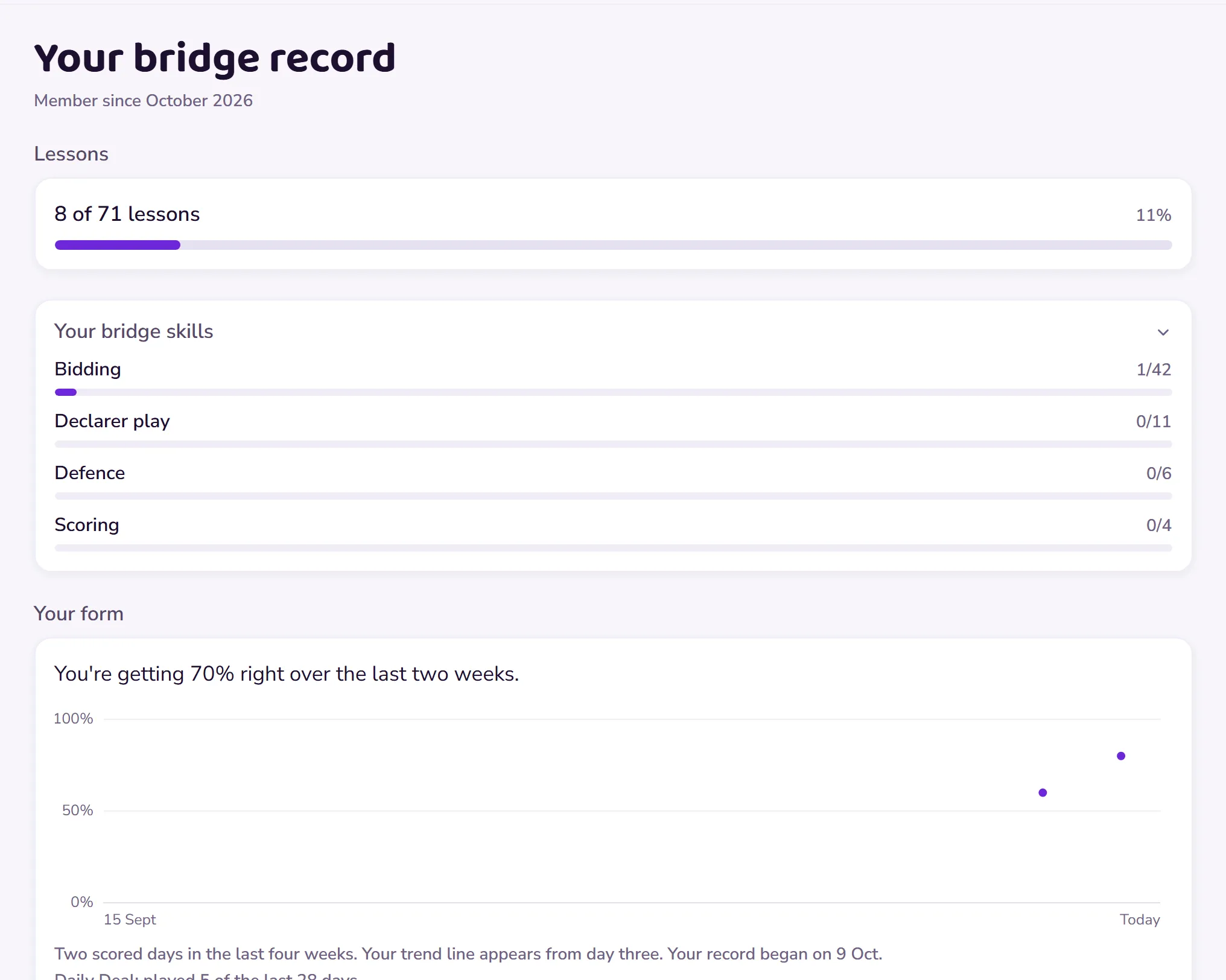
For the whole picture, open Your bridge record from the progress card on Home: lessons completed, test scores, practice bests, quiz history, Daily Deal days and your streak, all in one calm place.
 Open this picture full size.
 Step 1: your bridge record gathers everything in one place. -
There’s no comparison to anyone else anywhere in it. It’s your record, about your progress and no one else’s.