You can start learning straight away, with no account, no card details and no clock. Here’s how it works.
-
From this site, choose Start for free, pick your text size and your bidding system, or choose Try the first lesson free on How it works. The lesson opens straight away.
-
Notice the small note that you’re learning without an account. Your progress is kept until you close the page.
 Open this picture full size.
 Step 2: the note tells you your progress is kept until you close the page. -
Work through the lesson one step at a time.
-
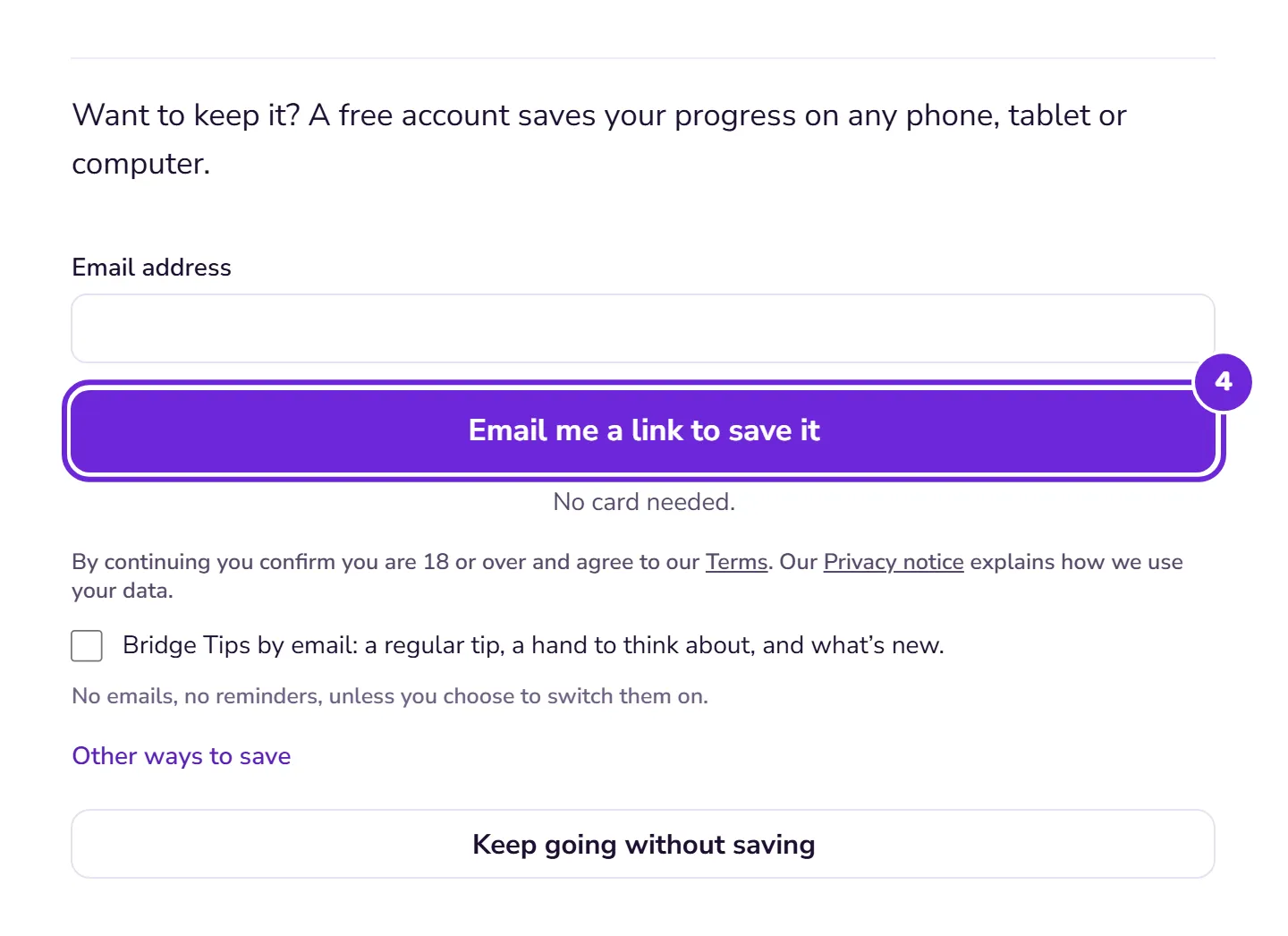
At the end, the lesson offers to save your progress with a free account. Take it up and everything you’ve done comes with you, even if you open the link in the email on another phone or computer.
 Open this picture full size.
 Step 4: saving at the end brings everything you have done into your account. -
If you’d rather not save, that’s fine too. Your progress won’t be kept, but the lesson stays free to try again whenever you like.
What you can try without an account. Bridge Basics, the Bridge Basics Test, Your First Hand, Hand Evaluation and Opening 1NT, in both systems. Each one opens on its own, in any order, and nothing is locked behind anything else.
If the link runs out. Links work for 15 minutes, but what you’ve done is kept for a day after you ask. Ask for a new link with the same email address and it still comes with you.
Already have an account? Sign in at any point and what you’ve done comes with you. If your account already has progress, we ask before adding anything.