A course is a run of topics, each topic a run of short lessons. Everything builds in order, and the app keeps your place so you never have to.
-
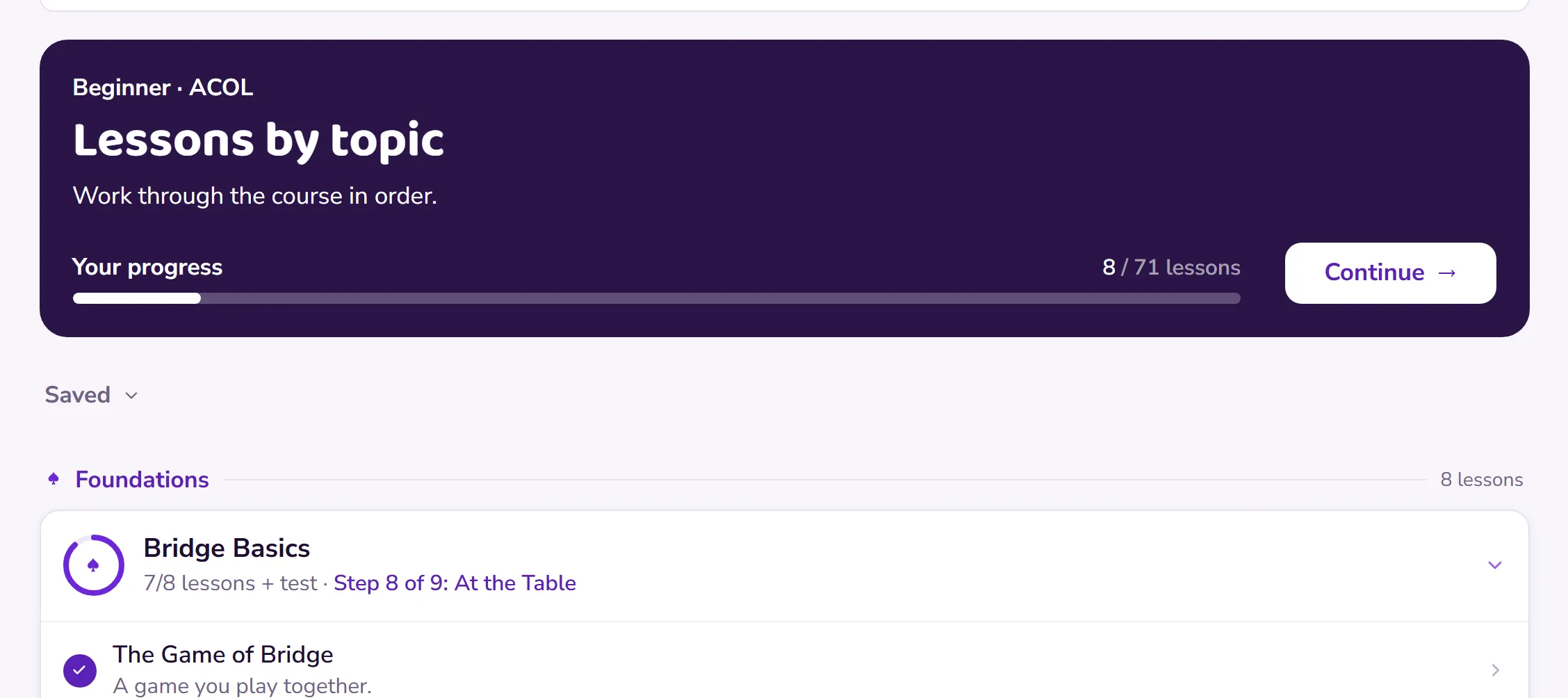
Open the Learn tab. Your course is laid out topic by topic and grouped into sections, with your progress shown against each, and it opens at the topic you are on.
 Open this picture full size.
 Step 1: the Learn tab groups the course into sections and opens at the topic you are on. -
Tap the next lesson and work through it one step at a time. Lessons take a few minutes each; there’s no clock and no deadline anywhere.
-
Finish a lesson and it’s recorded automatically. The next one is ready whenever you are, today or next week.
-
At the end of each Beginner and Improver topic there’s a short test, so you know you’re ready before you move on. Scores go to your record, and you can retake the test or review any lesson whenever you like.
-
Progress only ever moves forward. Nothing you do in review can undo a lesson you’ve completed: see Review a lesson without changing your record.