Sign-in emails usually arrive within moments. When one doesn’t, the fix is almost always one of the steps below.
-
Give it a minute or two. Email sometimes dawdles, especially the first time a new sender writes to you.
-
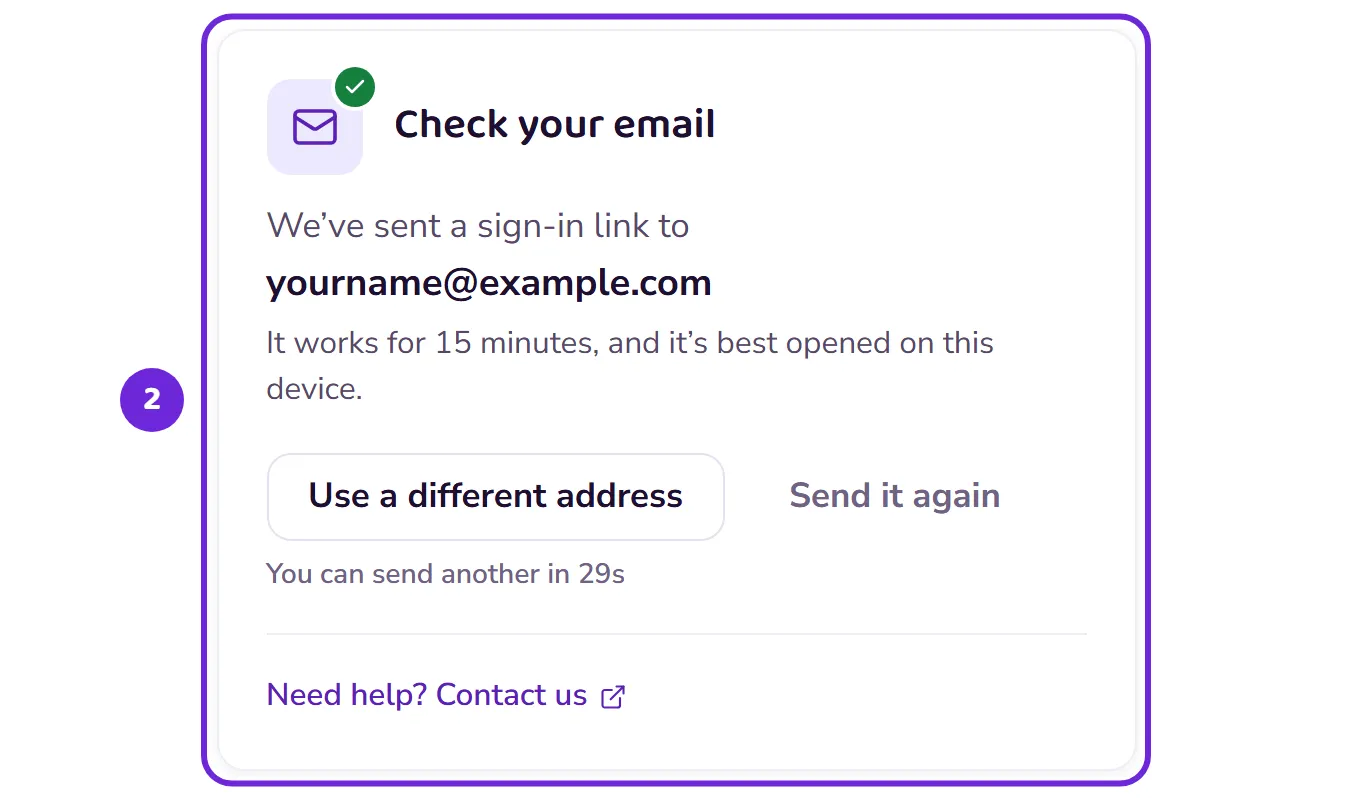
Check the address on the sent screen. A single mistyped letter sends the email somewhere else entirely.
 Open this picture full size.
 Step 2: the sent screen shows exactly where the email went. -
Look in your spam or junk folder, and search your inbox for Bridge Unlocked. If you find it in junk, mark it as “not junk” so the next one arrives safely.
-
Still nothing? Request a fresh link from the sign-in screen. Links work for 15 minutes, so use the newest one.
-
If you’ve set a password, sign in with that instead; it works regardless of email. See Set or change your password.
-
Keeps happening? Try a different email address if you have one, and contact us either way: a person will sort it out with you.
Saving what you did without an account? It is kept for a day after you ask, so a new link to the same address still brings it in.