A free account keeps your progress safe and lets you pick up on any device. It costs nothing, and you never enter card details to create one.
Bridge Unlocked is for adults, so you need to be 18 or over to create an account. We never ask for your date of birth: the line under the buttons on the welcome screen says that by continuing you confirm you are 18 or over.
-
Choose Start for free, do your first lesson, then choose Save my progress. Or choose Log in at the top of any page (on a phone, it’s in the menu).
-
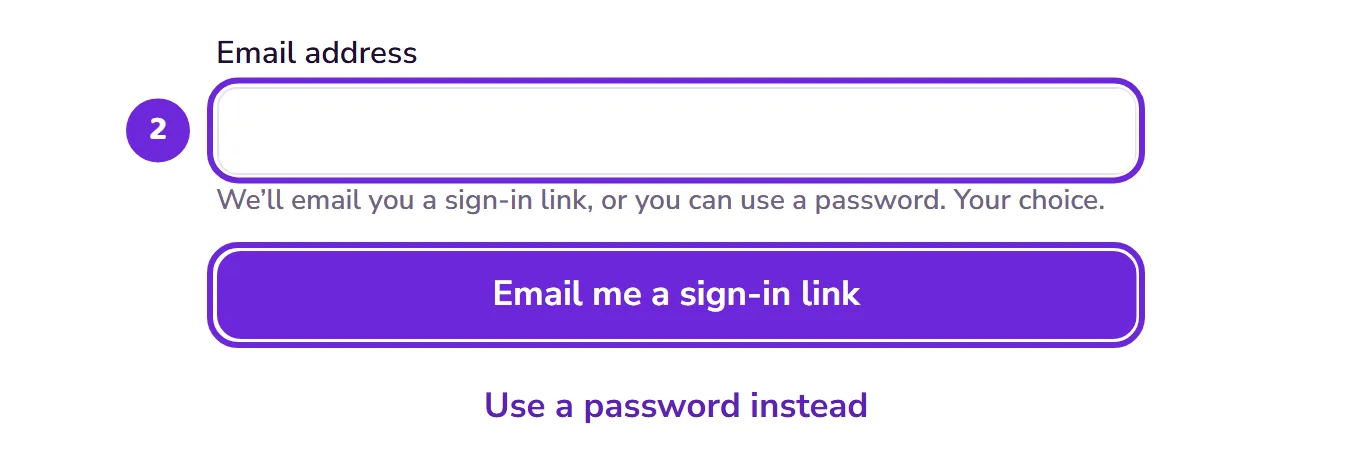
Type your email address into the box and continue.
 Open this picture full size.
 Step 2: your email address goes in the box on the welcome screen. -
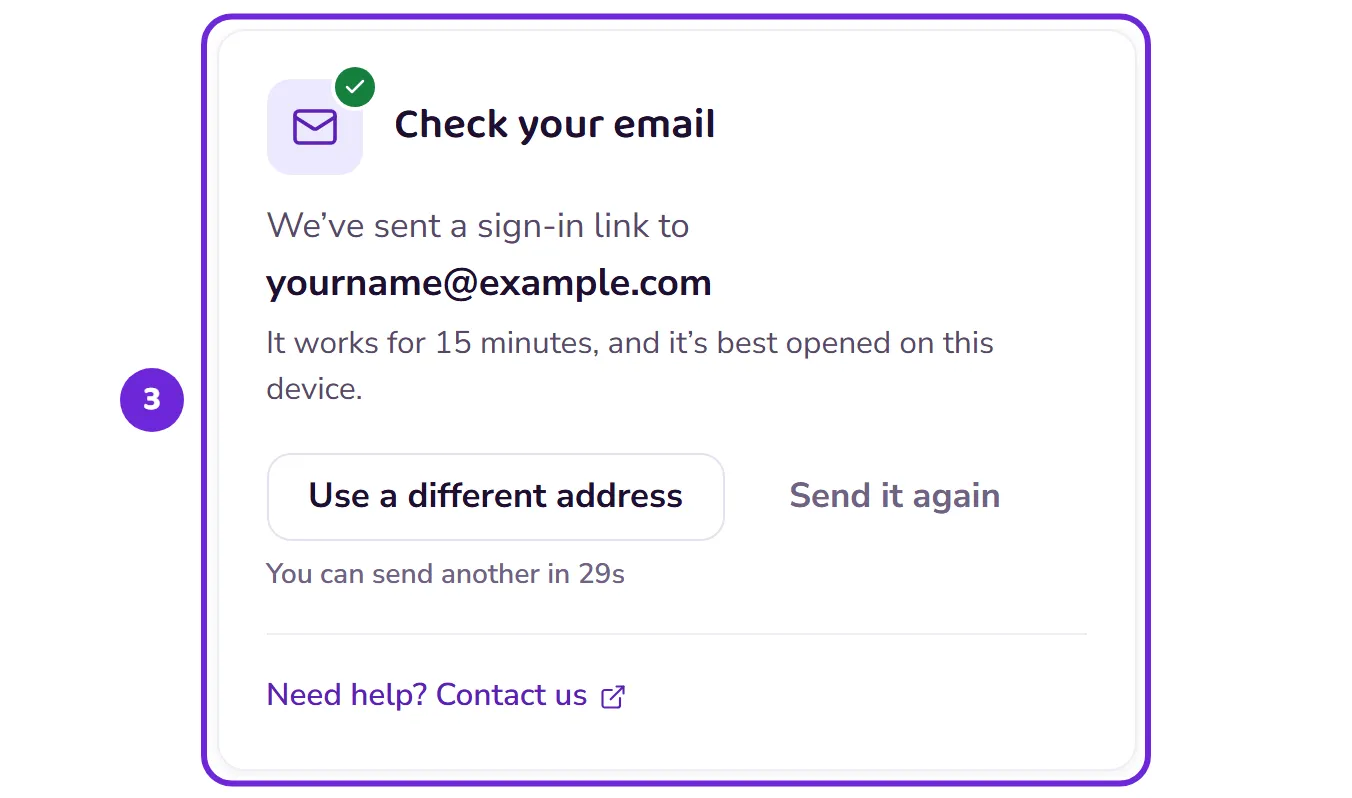
Check your inbox. We send you an email with a sign-in link straight away.
 Open this picture full size.
 Step 3: the app tells you where the sign-in email went. -
Tap the link in the email. That’s it: you’re signed in and your account exists.
-
Answer a few short questions, such as the text size that suits you, whether you’ve played before and which bidding system you’ll use. They set your starting point, and you can change your answers later.
Prefer a password? You can set one on the same screen: see Set or change your password.