Your data is yours. You can take a copy whenever you like, and you can delete your account yourself, permanently, whenever you choose.
-
Go to Settings → Account → Account & plan, and choose Your data.
-
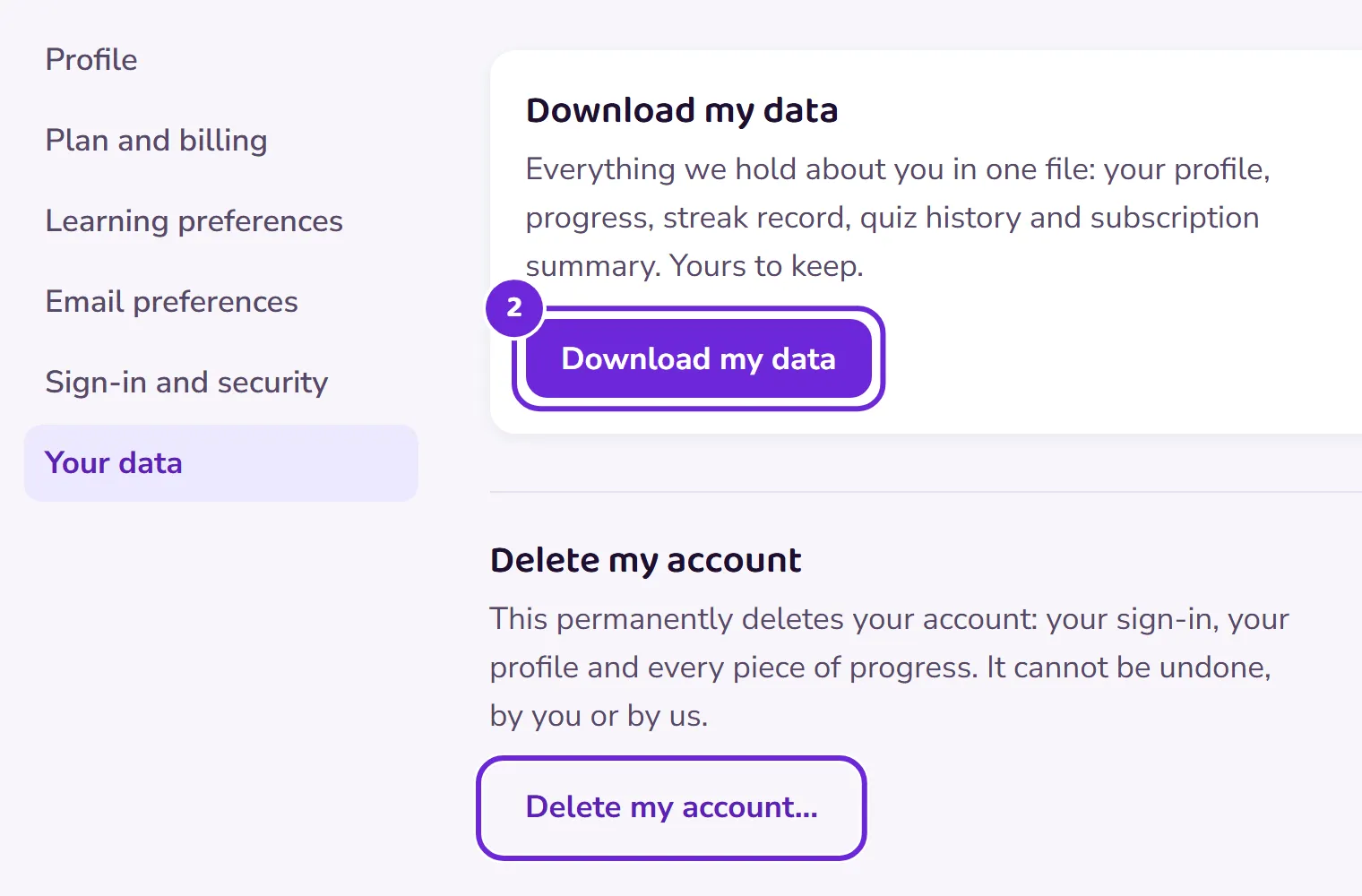
To take a copy, tap Download my data. One file downloads with your account, progress, subscriptions, the activity we record, your messages and hand reports, your consent records, your sign-ins, your email history, your answers in quizzes, topic tests and Your Call, and any notes our staff have written about you. If you want anything it does not cover, ask us and we will send it.
 Open this picture full size.
 Step 2: export and deletion live together on the your data page. -
To delete your account, read what the delete card says first, because it means it: your progress, streaks and history will be gone for good.
-
Deletion is a two-step act, deliberately. We email you a confirmation link, and nothing is deleted until you click it. A stray tap can never erase your record.
-
After deletion, your sign-in is erased and your progress is permanently deleted. Anonymous usage counts remain in our statistics, and your answers in quizzes, topic tests and Your Call stay only in our anonymous totals, with nothing that identifies you.
If you’d rather keep your record and just stop paying, cancel your plan instead: the free plan keeps everything saved. See Cancel your subscription.