Usually, “missing” progress is just saved under a different email address, and nothing is actually lost. Work down this list.
-
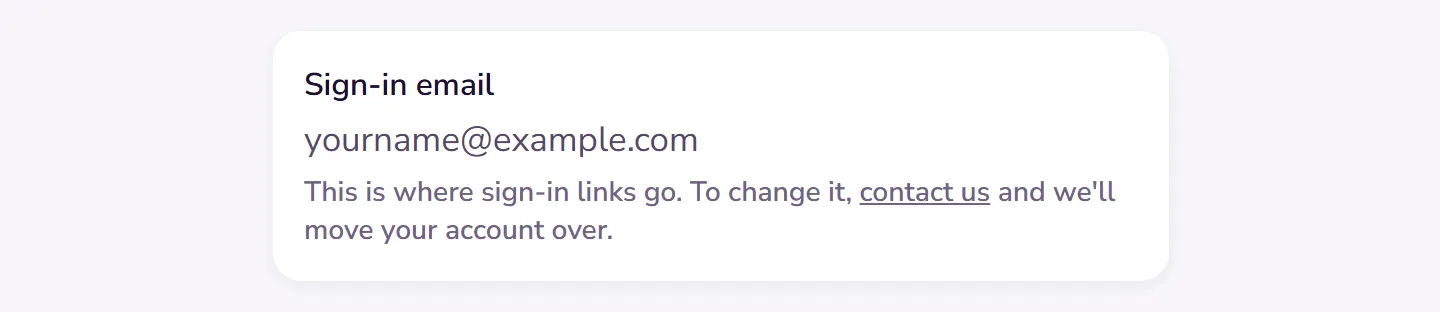
Check which email you’re signed in with: go to Settings → Account → Account & plan, and choose Profile.
 Open this picture full size.
 Step 1: the account page shows the email you're signed in with. -
Two accounts happen more easily than you’d think: an address typed with a typo one day, or a different address from the one you joined with. Sign out, then sign in with the email you used when the missing progress was made.
-
Know how saving works, for peace of mind: progress saves to your account as you go and syncs to every device you sign in on. A device that was offline catches up the next time it connects; give it a moment on a fresh connection.
-
Sharing a device with someone? The app is careful here: it asks before ever mixing two people’s records. If a record you expected isn’t showing, it may be saved under the other person’s account or your other email address.
-
Still wrong? Contact us with every email address you might have used. If your progress exists, we’ll find it together.
Played without an account? What you did is kept only until you close the page, unless you asked us to save it: then it is kept for a day, and an emailed link to that address brings it into your account. See Try Bridge Unlocked without an account.